The "Needs Help" button
One button press at the front of the shop gets the attention of people in the back.
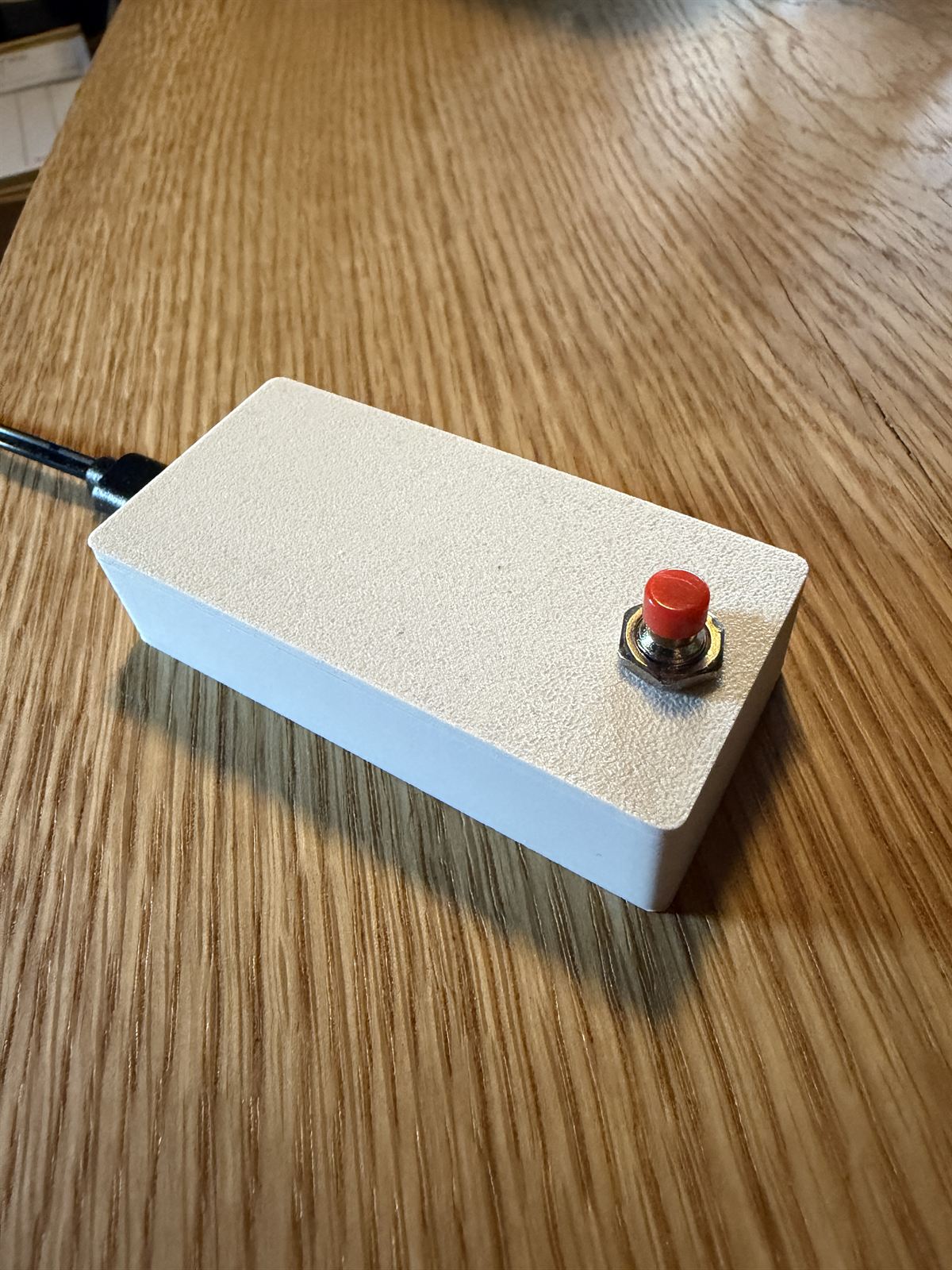
CT-105 · Plan view
| Ref | Part |
|---|---|
| 1 | Enclosure I designed and 3D-printed |
| 2 | Momentary switch |
| 3 | ESP32-C6 on Wi-Fi |
| 4 | USB power: no batteries to recharge |
§1The idea
Staff at the front of the shop sometimes need help from someone in the back, but can't leave the counter to go get them.
§2What I built
An ESP32-C6 on Wi-Fi with a momentary switch, in an enclosure I designed and 3D-printed. It runs on USB power, so there are no batteries to recharge.
§3How it works
- Button pressMounted at the front of the shop.
- Wi-FiThe ESP32-C6 sends a signal.
- Home AssistantFires a custom trigger.
- AlexaAnnounces that someone in the front needs help, on selected devices in the back.
§4The result
Staff can call for help without leaving the front.
§5Skills
- Electronics & IoT
- ESP32
- Automation
- 3D Design (CAD)
- 3D Printing
§6Photos and footage
Printed in blueprint blue. Point at one to see it in color, or open it full size.
CT-105-A Top view